Introduction
As a student, balancing studies, assignments, exams, and personal commitments can feel overwhelming. That's where the smartest learners differentiate themselves by utilizing the best free AI tools to study effectively. AI tools for students have revolutionized how we study, offering enhanced productivity, improved learning, and smarter research methods.
Based on thorough testing and feedback from students at Shakil Education Group, I have curated a list of the top-rated free AI tools for students in 2026. These tools support essays, notes, coding, and presentations, helping students study smarter, not harder.
Take the First Step - Get Your Free Study Consultation!
Book Free Consultation1. NotebookLM – Your Smart Study Notebook
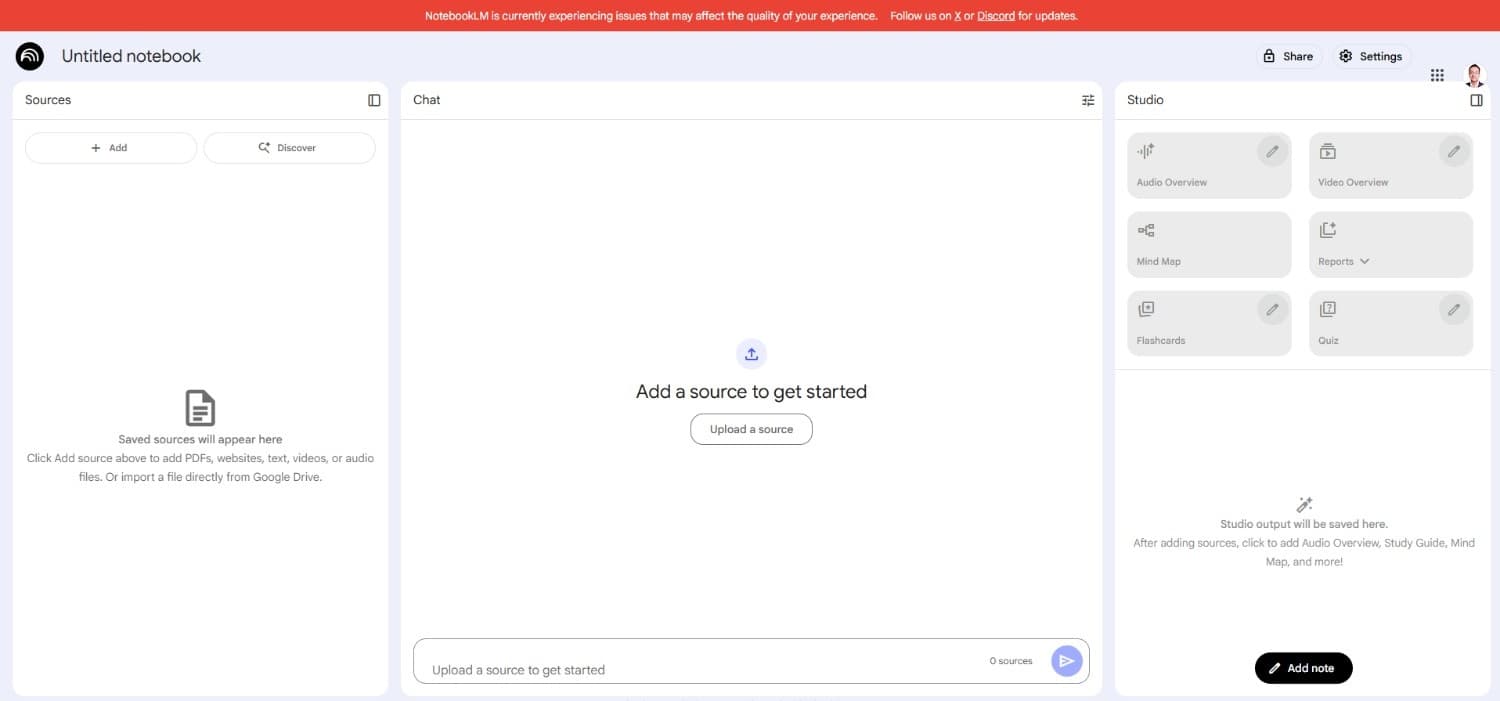
NotebookLM is an excellent AI tool for organizing your notes. It lets you upload lecture files, research papers, and documents, transforming them into a smart, interactive study assistant. Simply ask questions like Summarize Chapter 4 or Explain this theory in simple terms, and NotebookLM delivers concise answers to help you revise effectively.
New Version/Features for 2026:
Recently updated with slide summarization, context-aware tagging, and improved cross-document reference linking.
Why it’s helpful:
It turns scattered notes and PDFs into a searchable knowledge base that answers your questions in context.
Advantages:
- Now supports slide decks and multi-file summarization.
- Learn your study patterns and suggest follow-up topics.
Disadvantages:
- Best performance with clear text files; handwriting uploads remain limited.
- Advanced features require sign‑in and storage permissions.
2. Google Gemini – AI Inside Google Tools
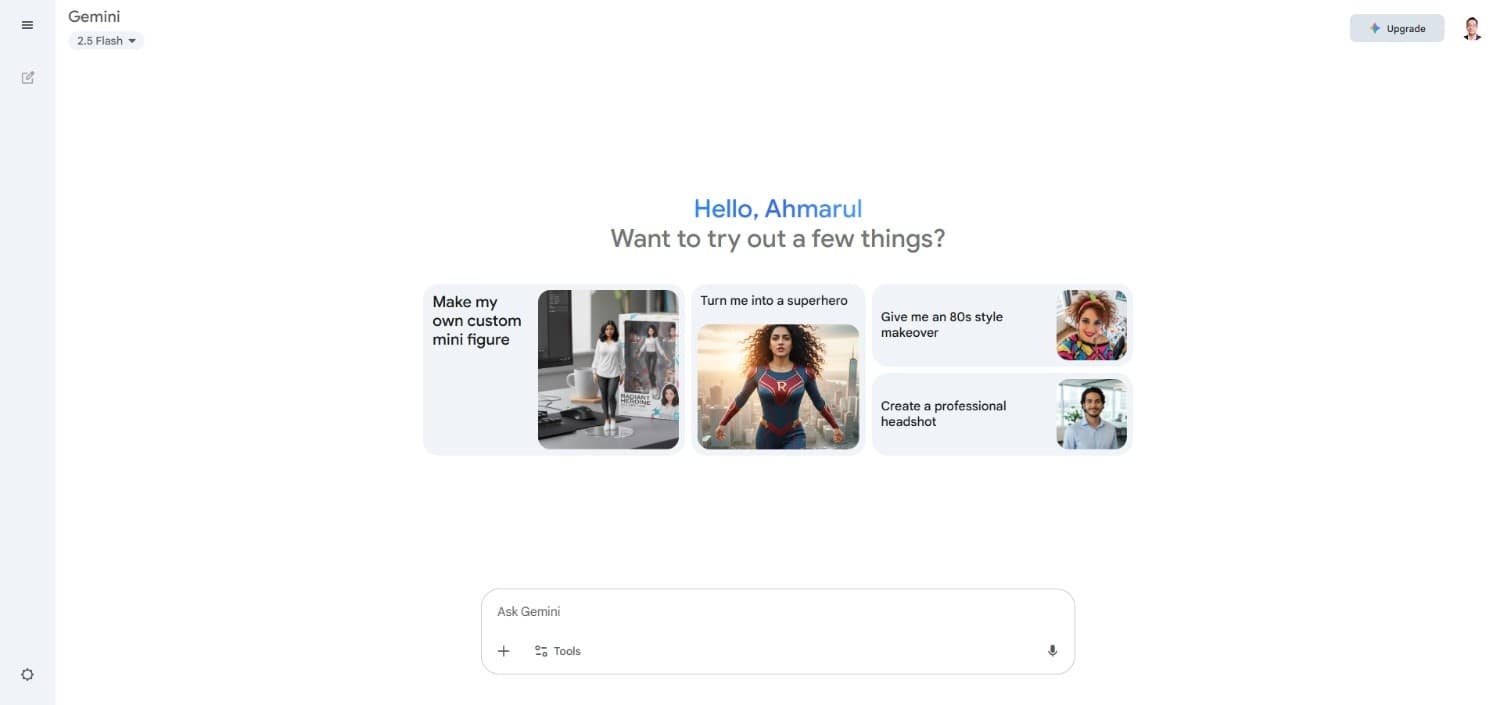
Google Gemini is seamlessly integrated with Google Docs, Slides, and Gmail, providing enhanced writing, research, and productivity tools. For example, if you want to create a presentation on climate change, just ask Gemini, and it generates polished slides instantly.
New Version/Features for 2026:
Now integrated with Gemini Vision for image‑assisted research and multimodal responses in Docs and Slides.
Why it’s helpful:
Combines advanced writing assistance with visual search — ideal for research, proposals, and academic presentations.
Advantages:
- Works inside native Google apps (Docs, Slides).
- Can interpret diagrams, charts, and screenshots.
Disadvantages:
- Some advanced outputs now shift to paid tiers after a free quota.
- Features vary by region and account type.
3. Grammarly – Write with Confidence
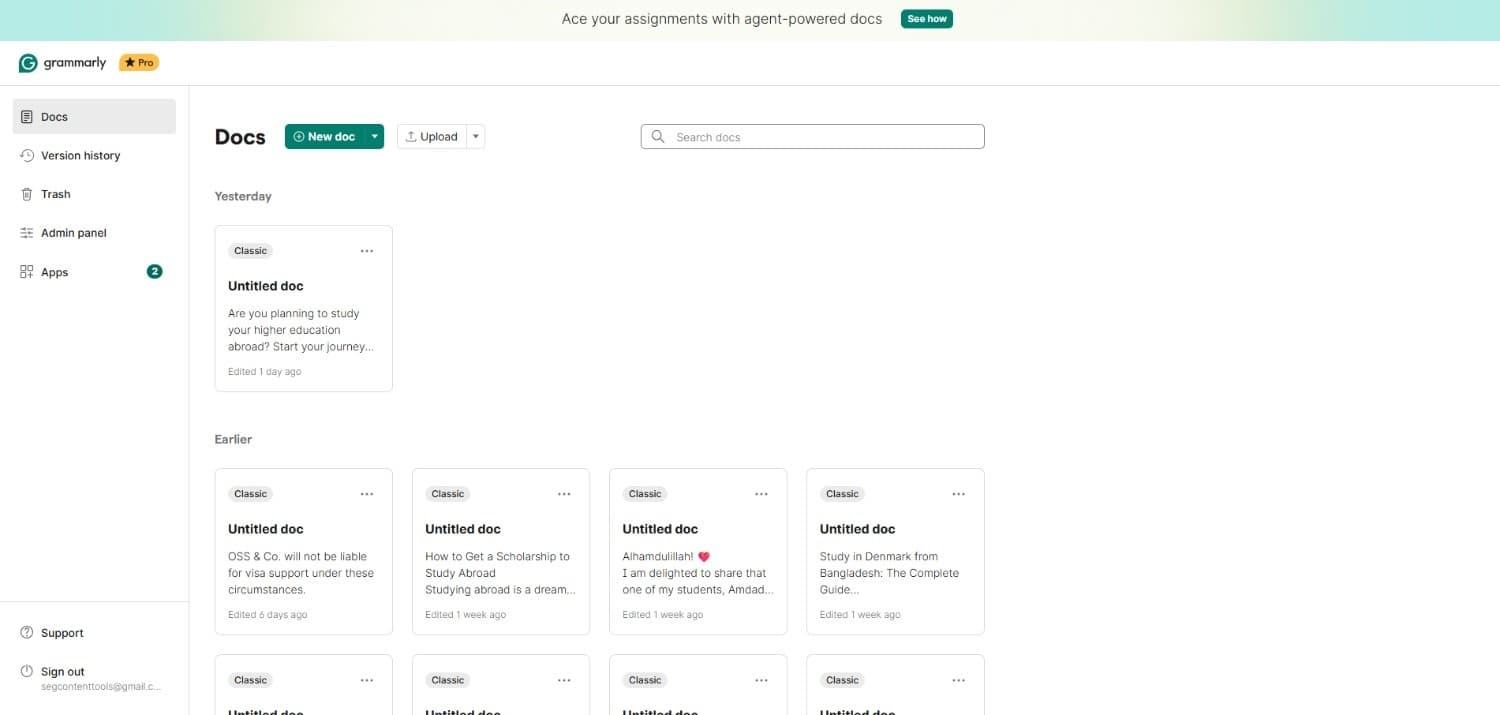
Grammarly helps you improve your writing by offering grammar checks, punctuation suggestions, and readability enhancements. It ensures your academic writing, whether essays or applications, is clear, precise, and professional.
New Version/Features for 2026:
Updated AI engine offers tone prediction and academic style suggestions tailored specifically for essays and research writing.
Why it’s helpful:
Improves grammar and structure while also aligning your writing with academic conventions.
Advantages:
- Real‑time clarity, tone, and style checks.
- Expanded plagiarism database with academic sources.
Disadvantages:
- Premium needed for full academic style checks.
- Sometimes suggests changes that aren’t suited for creative writing.
4. QuillBot – Rewriting Made Simple
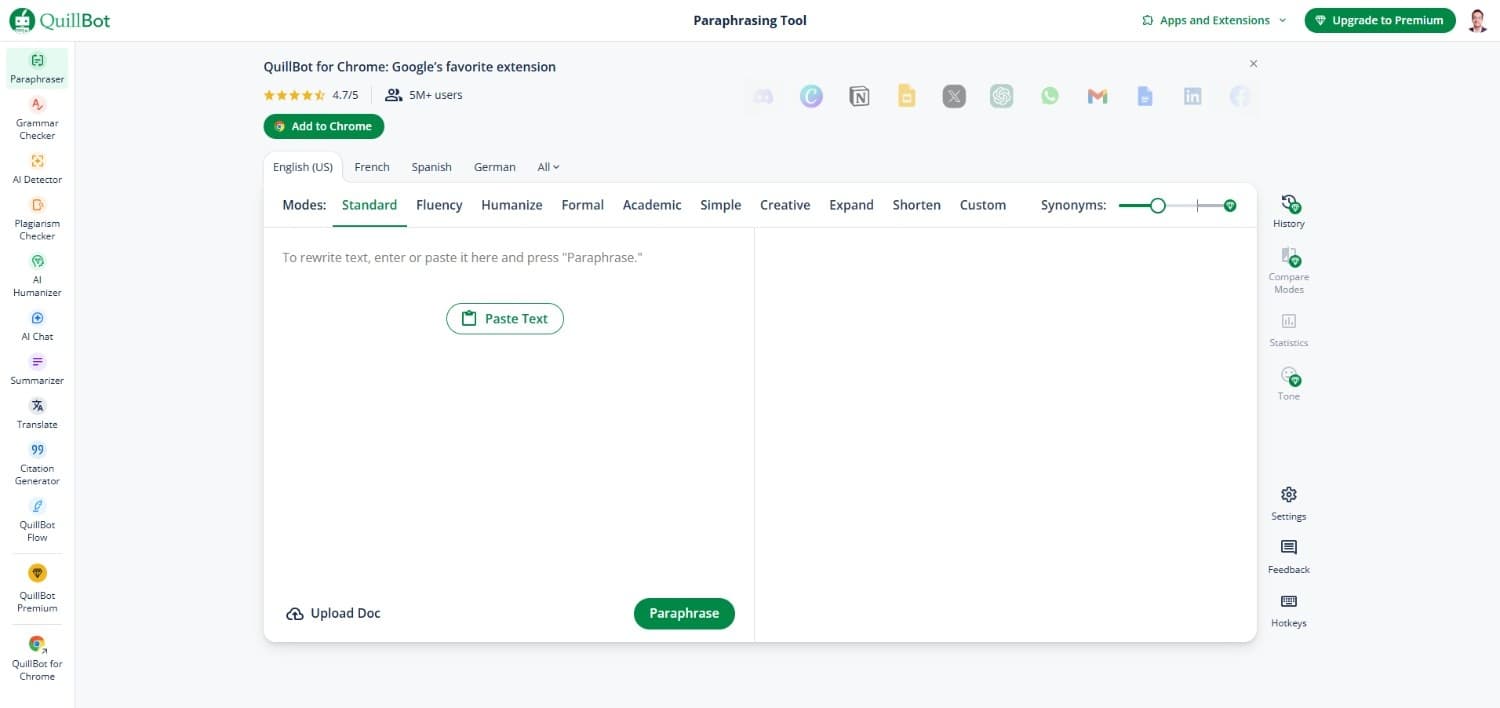
QuillBot is perfect for rewriting academic text. Whether you need to paraphrase long research papers or generate citations automatically, QuillBot streamlines the process.
New Version/Features for 2026:
Introduced context‑aware rephrasing modes and citation assistance tied to common academic formats.
Why it’s helpful:
Turns verbose or complex text into clear, polished language that fits academic tone requirements.
Advantages:
- Multiple paraphrasing styles (formal, concise, expanded).
- Helps with citation insertion.
Disadvantages:
- Free tier limits words per use.
- Rewrites still need human proofreading.
5. ChatPDF – Talk to Your Textbooks
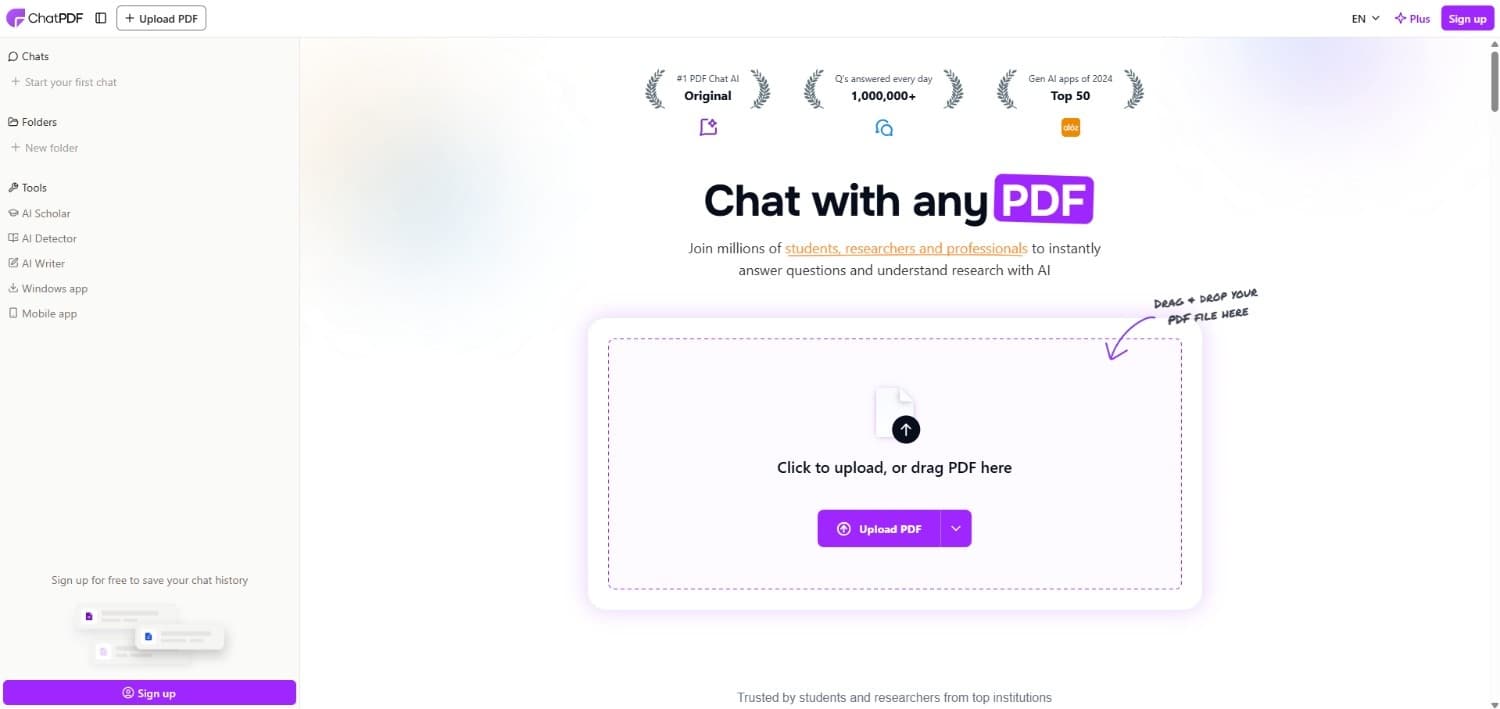
For students who need to revise lengthy PDFs quickly, ChatPDF is a game-changer. Upload your PDFs and ask specific questions about them, such as "What’s the main argument?" or "Summarize section 3," and it will provide precise answers.
New Version/Features for 2026:
The latest version supports multi‑document cross‑search, table extraction, and improved citation parsing.
Why it’s helpful:
Extract facts and summaries from large PDF textbooks or research papers instantly.
Advantages:
- Great for navigating long academic PDFs.
- Provides page citations with answers.
Disadvantages:
- Works best with text‑based PDFs; scanned images may require OCR tools.
- The free plan has file size limits.
6. ChatGPT – The All-Round Study Buddy
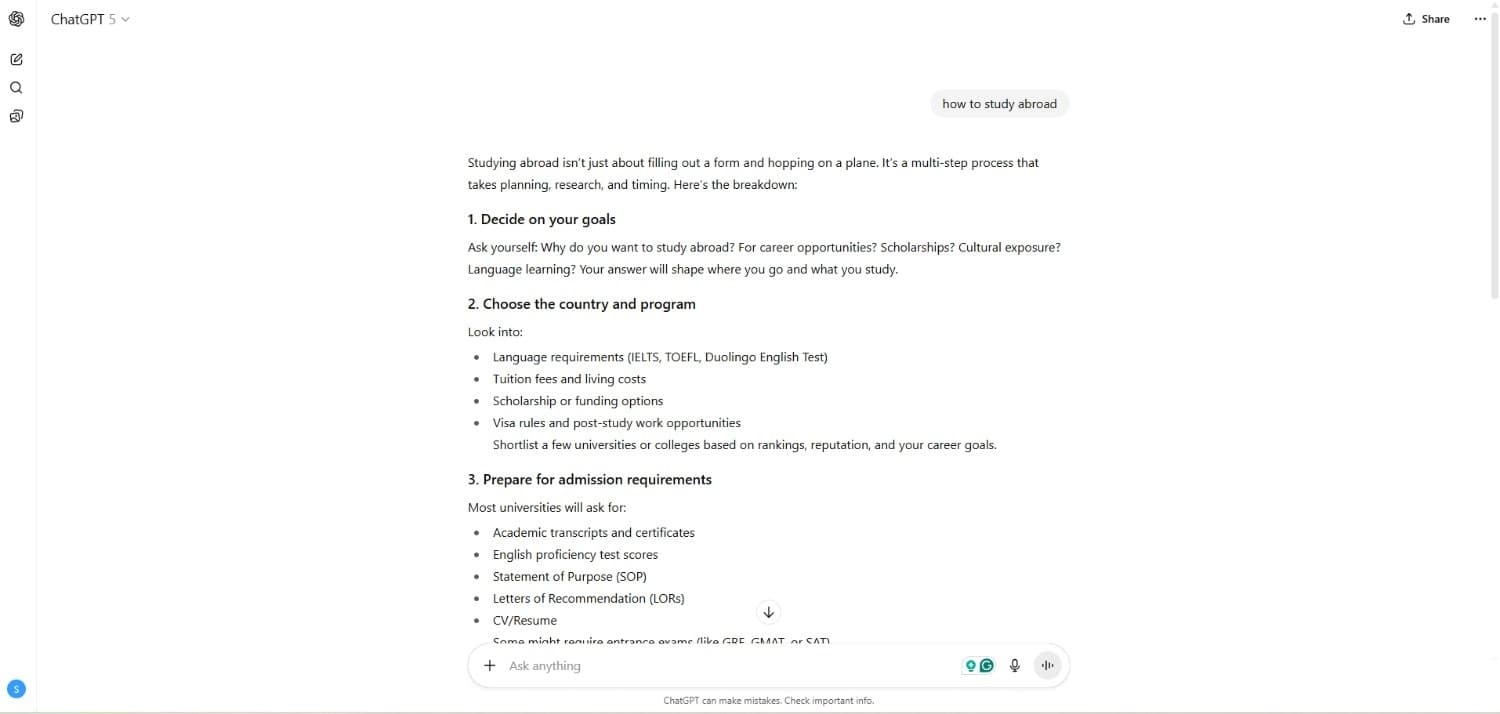
ChatGPT is an all-around AI study assistant that helps with everything from explaining complex topics to generating essay outlines. It can brainstorm ideas, practice questions, or help you understand new concepts, although it’s important to verify the information.
New Version/Features for 2026:
Now running on GPT‑5.2 with improved reasoning, step‑by‑step breakdowns, and real‑time citation suggestions.
Why it’s helpful:
Versatile for almost any academic need: explanations, brainstorming, outlines, practice questions, and revision.
Advantages:
- Enhanced reasoning and context retention in longer dialogues.
- Now supports real‑time citations when prompted.
Disadvantages:
- Still requires fact‑checking for academic use.
- Premium tier offers broader context length and deeper memory.
7. Notion AI – Stay Organized Without Stress
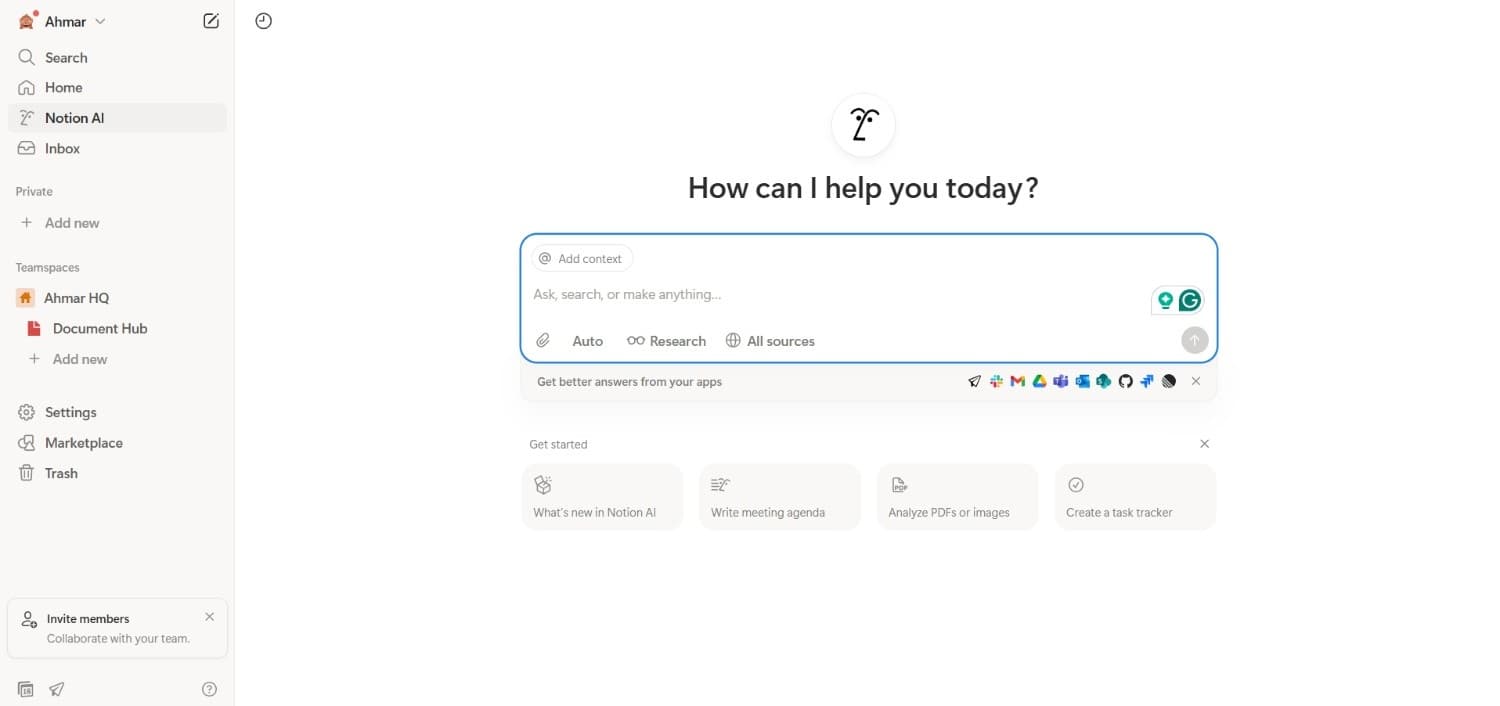
Notion AI is the perfect tool to manage your studies, assignments, and projects. It combines note-taking, to-do lists, and task management into one streamlined platform.
New Version/Features for 2026:
Includes AI study templates, outline generation, and auto summaries of long pages.
Why it’s helpful:
Combining notes, tasks, and study planning with generative AI helps — excellent for comprehensive project management.
Advantages:
- Meets organizational and writing needs in one tool.
- Now includes smart suggestions for deadlines and task grouping.
Disadvantages:
- Full AI features may require a subscription.
- Can be overwhelming without setup guidance.
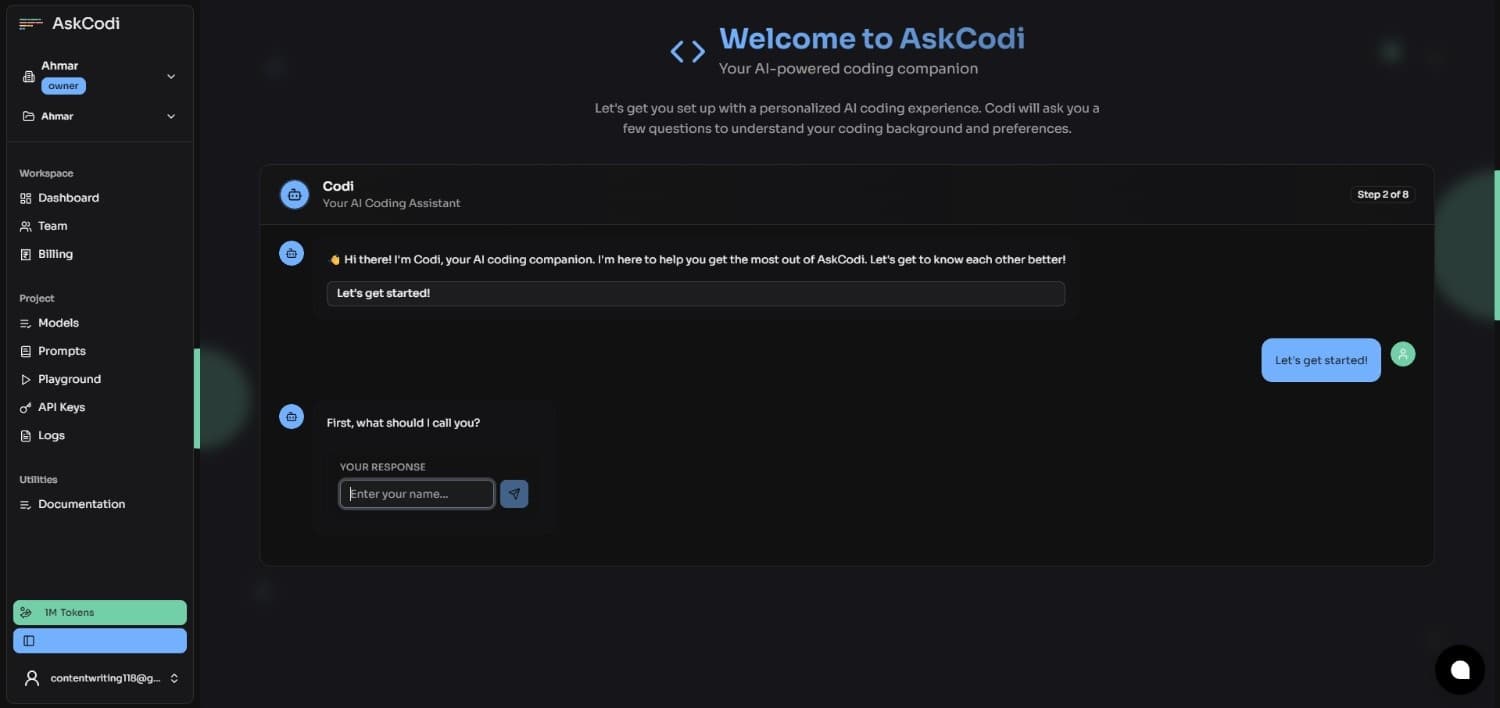
8. AskCodi – A Coding Assistant
AskCodi is ideal for computer science or engineering students. This free AI tool helps debug code and explains complex programming logic, making it a great learning companion.
New Version/Features for 2026:
Recovered from past downtime and updated with interactive debugging suggestions and inline code explanations.
Why it’s helpful:
Useful for students learning programming; explains code errors and logic in plain language.
Advantages:
- Supports many languages (Python, JavaScript, C++, etc.)
- Offers readability and logic advice, not just error fixes.
Disadvantages:
- Limited advanced tooling compared to full IDE plugins.
- Some features behind paid access.
9. Tutor AI – Your Personal Teacher
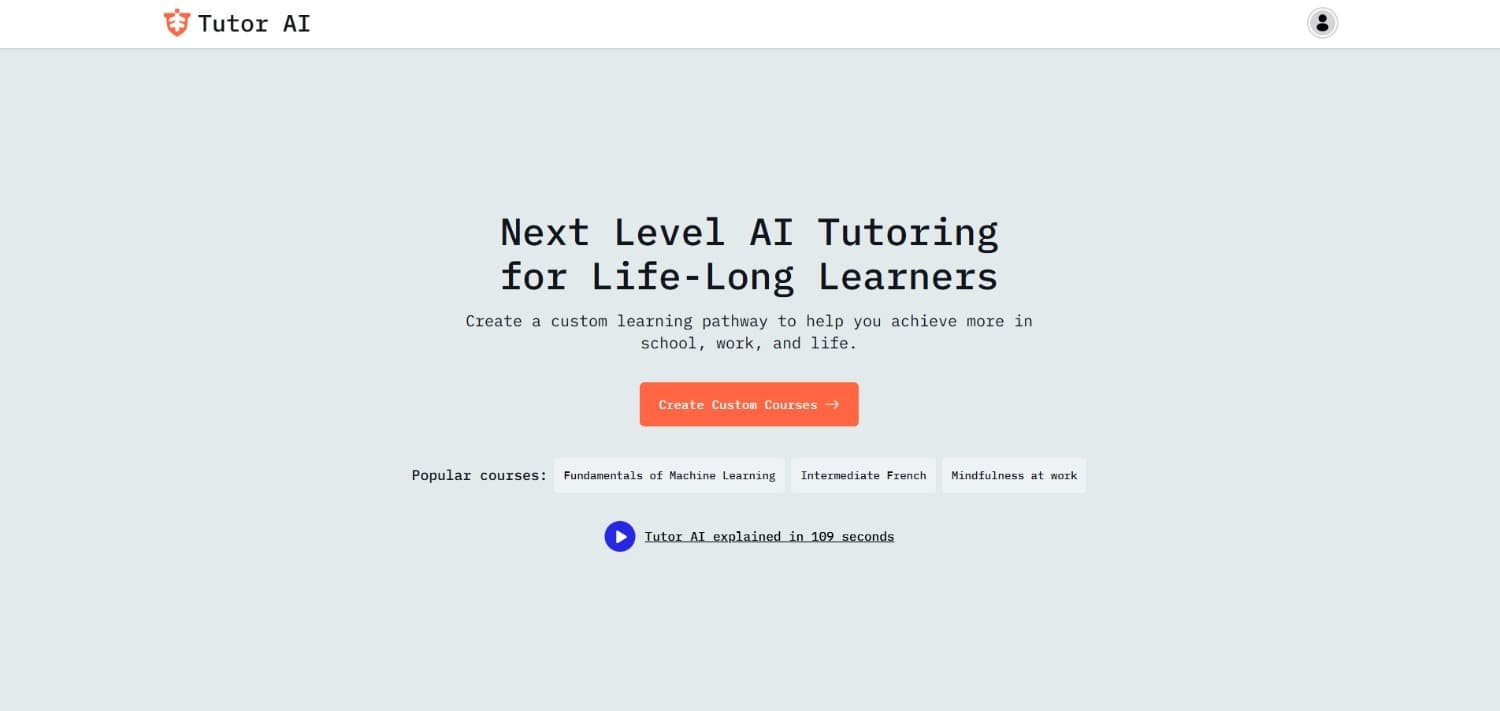
Tutor AI offers personalized lessons, quizzes, and examples for various subjects. It's an affordable alternative to private tutoring and is accessible anytime.
New Version/Features for 2026:
Enhanced with progress tracking, adaptive quiz generation based on performance, and topic mastery predictions.
Why it’s helpful:
Acts like a personal tutor by generating quizzes and exercises tailored to your progress.
Advantages:
- Personalized revision plans and performance insights.
- Ideal for exam prep.
Disadvantages:
- Free tier offers limited topics or quizzes.
- Depth varies by subject area.
10. Gamma AI – Presentations Made Easy
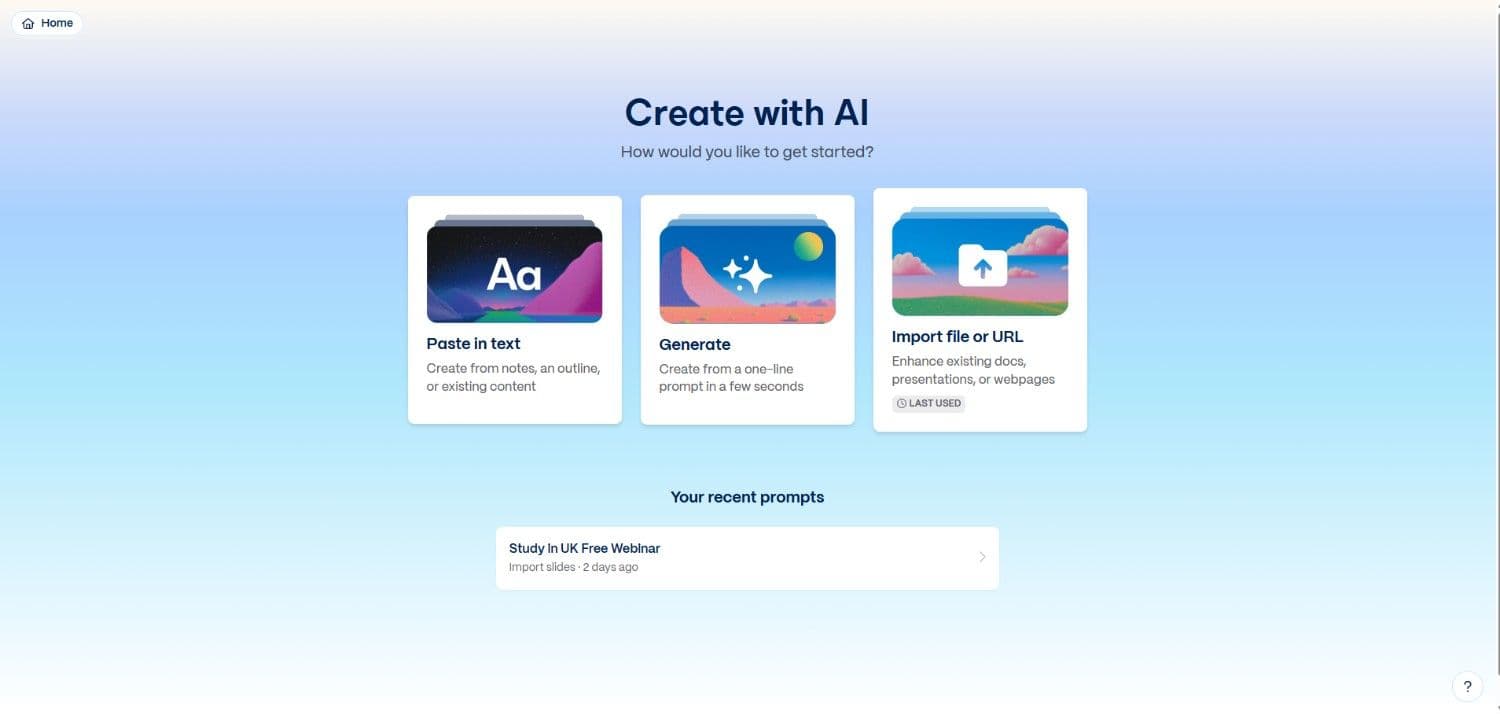
Gamma AI makes creating professional presentations quick and easy. Just provide a short prompt, and it generates polished slides instantly.
New Version/Features for 2026:
Now supports AI‑suggested visual themes, automated speaker notes, and multi‑format export options (PDF, PPTX, video slides).
Why it’s helpful:
Makes presentation creation effortless with professional layouts and optimized content flow.
Advantages:
- Easy editing and formatting; great for class projects or pitches.
- Layout suggestions based on your content.
Disadvantages:
- Limited theme choices compared to premium tools.
- Needs accuracy reviews before presenting.
Comparison Table
|
Tool |
Best For |
Free/Paid |
Why Students Love It |
|
NotebookLM |
Note management |
Both |
Fast revision, smart Q&A |
|
Google Gemini |
Writing, research |
Both |
Built into Google apps |
|
Grammarly |
Writing polish |
Both |
Clear, confident writing |
|
QuillBot |
Paraphrasing, citations |
Both |
Easy rewriting |
|
ChatPDF |
Reading PDFs |
Both |
Quick summaries |
|
ChatGPT |
General study help |
Both |
Versatile assistant |
|
Notion AI |
Organization |
Both |
Combines tasks and notes |
|
AskCodi |
Coding help |
Both |
Debugging and learning |
|
Tutor AI |
Lessons and quizzes |
Paid |
Affordable tutor |
|
Gamma AI |
Presentations |
Both |
Saves time, professional look |
How to Use Them Together
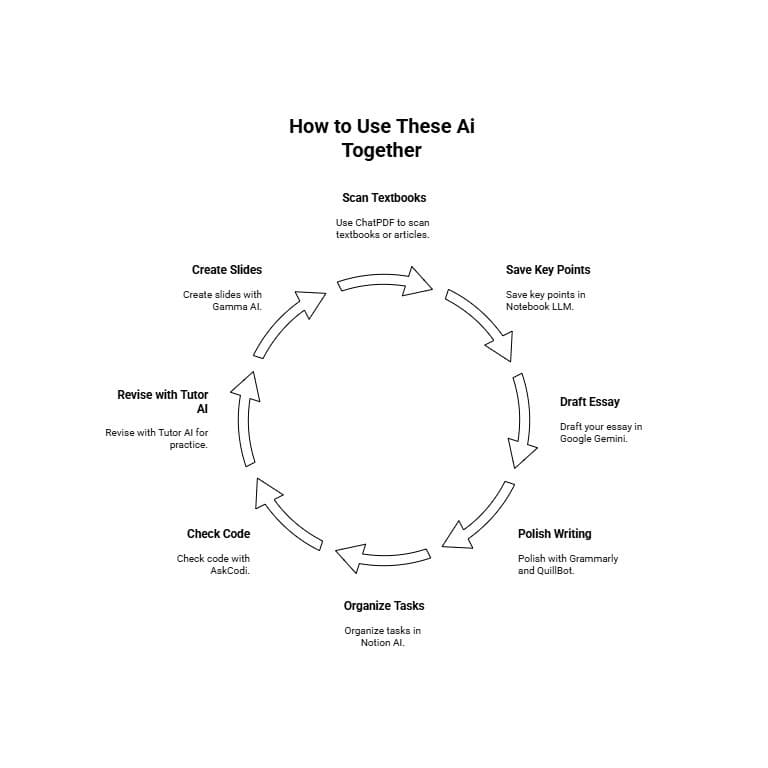
To create the perfect AI-powered study routine:
- Use ChatPDF to scan textbooks.
- Save key points in NotebookLM.
- Write essays with Google Gemini and QuillBot.
- Polish grammar using Grammarly.
- Manage your tasks with Notion AI.
- If coding, debug using AskCodi.
- Revise with Tutor AI.
- Create presentations via Gamma AI.
Bonus Tools for Students
If you're looking to take your studying to the next level, here are some additional bonus tools to consider:
- Dupli Checker – Prevent issues with plagiarism by ensuring your content is original.
- Zotero – Manage your research and citations seamlessly with this reference manager.
- Microsoft OneNote – Keep your lecture notes organized and accessible in one place.
- Mendeley – A tool for managing research papers and generating citations for academic writing.
- Coggle – Create mind maps and organize complex ideas visually.
FAQs
Are AI tools free for students?
Yes. Most AI tools for students offer free plans with core features. Paid versions unlock advanced capabilities.
Which AI tool is best for studying?
ChatGPT, Gemini, QuillBot, and Grammarly together form the best free AI study suite for 2026.
Can AI replace teachers?
No. AI supports learning, but can’t replace real guidance and motivation from teachers.
Are AI study tools safe?
Yes, trusted tools like Grammarly, ChatGPT, and Notion AI are secure, just avoid sharing private data.
What is the best AI tool for writing?
Grammarly and QuillBot are highly recommended for students who want to improve their writing skills.
Conclusion
AI isn’t just the future of education, it's already here. The top 10 free AI tools for students in 2026: NotebookLM, Google Gemini, Grammarly, QuillBot, ChatPDF, ChatGPT, Notion AI, AskCodi, Tutor AI, and Gamma AI can help make studying smarter, faster, and more effective. From writing essays to coding and presentations, these tools save time, boost confidence, and make learning more enjoyable.
Use them responsibly, stay curious, and let AI for students be your partner in academic success.